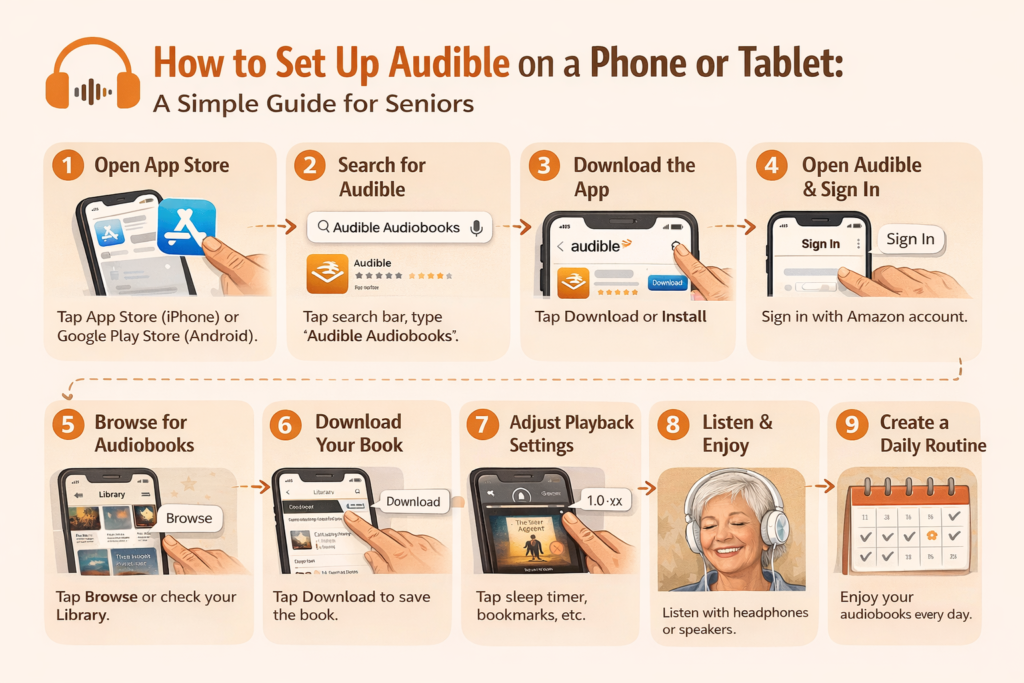
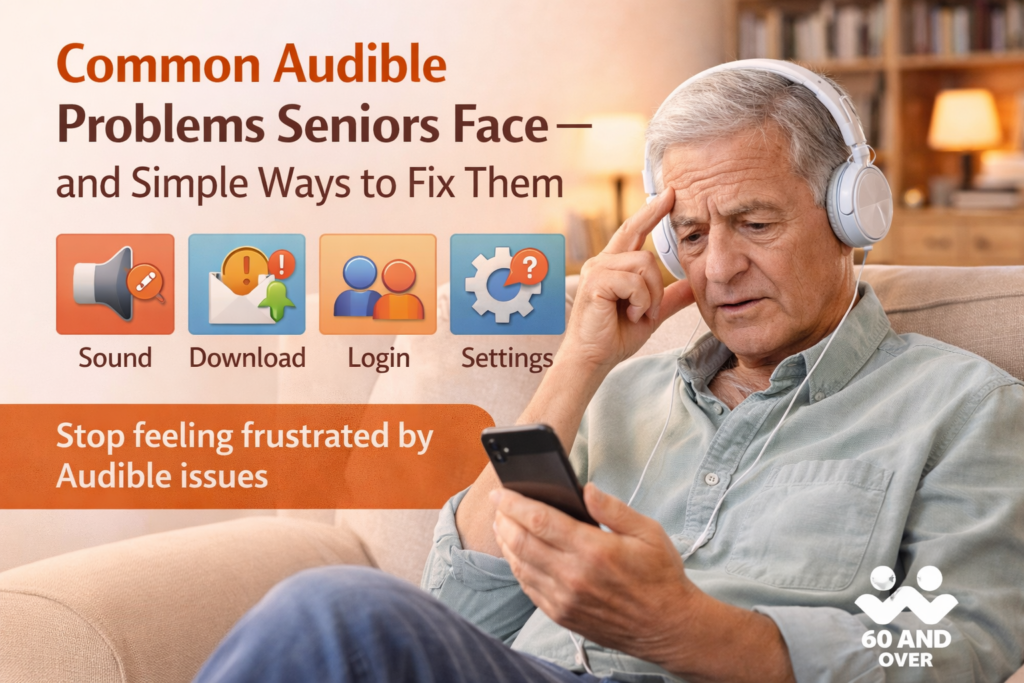
Audible is designed to be easy to use, but that doesn’t mean everything always works perfectly—especially the first few times. Many seniors run into small issues that feel frustrating simply because no one explains what’s happening or how to fix it in plain language.
The good news is that most Audible problems are minor and can be resolved quickly once you know where to look. This guide walks through the most common issues seniors experience and explains how to handle them without stress, technical confusion, or fear of “messing something up.”
“I Can’t Hear the Book Clearly”
This is one of the most common concerns, and it’s rarely a hearing issue. Most of the time, it’s related to volume settings or playback speed.
Audible has its own volume level, separate from your phone or tablet’s volume. If narration sounds too quiet, first raise the device volume, then check whether headphones or Bluetooth speakers are connected. Many seniors also find narration clearer when playback speed is slightly reduced, which can be adjusted at any time during listening.
Clear sound is about comfort, not volume alone.
“My Audiobook Won’t Download”
Download issues usually happen because of internet connectivity, not because something is broken. Audible requires a stable connection to download books, especially longer ones.
If a book stalls or won’t download, switching to Wi-Fi often solves the problem immediately. Restarting the Audible app or the device itself can also reset the connection. Once a book is downloaded successfully, it can be listened to offline without any internet access.
This is a common one-time issue, not a recurring problem.
“I Signed In, but My Library Is Empty”
This situation can feel alarming, but it’s almost always caused by signing in with the wrong Amazon account. Audible is tied directly to Amazon, and many seniors unknowingly have more than one email address.
If your library appears empty, signing out and signing back in using the correct Amazon email usually restores everything instantly. Your audiobooks are not lost—they are safely stored with your account.
Nothing needs to be repurchased.
“The App Feels Confusing or Changed Suddenly”
Occasionally, Audible updates its app, which can cause small layout changes. While this can feel unsettling, the core functions remain the same.
If the app feels unfamiliar, spending a few minutes exploring the Library tab and playback screen usually brings confidence back quickly. Audible updates are meant to improve performance, not make things harder.
You are not expected to relearn everything.
“I Accidentally Tapped Something — Did I Break It?”
This is a very common worry among older adults. Audible is forgiving by design. There is no button that permanently breaks the app or deletes your books by accident.
Playback settings, speed, bookmarks, and timers can all be changed back instantly. Even if something sounds wrong, it can always be adjusted.
Nothing you tap will cause permanent damage.
“Audible Keeps Sending Notifications”
Notifications can feel unnecessary or distracting. The good news is that they are optional.
If alerts become annoying, they can be turned off in your device’s notification settings without affecting Audible’s performance. Many seniors choose to silence notifications and use Audible only when they want to listen.
Audible works perfectly without alerts.
“I Forgot Where I Left Off”
Audible automatically remembers your place in most situations. If something feels off, bookmarks and chapter navigation make it easy to return to the right spot.
For nonfiction or longer listening sessions, bookmarking can add reassurance and reduce anxiety about losing your place.
Final Thoughts: Most Problems Are Small and Fixable
Audible problems rarely mean something is wrong with you or your device. Most issues come from unfamiliar settings or temporary connections and are easily resolved once explained clearly.
With a little patience—and the reassurance that nothing can be permanently broken—Audible becomes a reliable and enjoyable part of daily life for many seniors.
Frequently Asked Questions
Can Audible delete my audiobooks?
No. Audiobooks purchased with credits or money remain in your account permanently.
What if I make a mistake in the app?
Audible settings can always be changed back. Nothing is permanent.
Do I need internet to listen?
Only to download books. Once downloaded, listening works offline.
Is Audible support available if I get stuck?
Yes. Audible offers customer support through Amazon if needed, though most issues can be fixed without contacting support.