
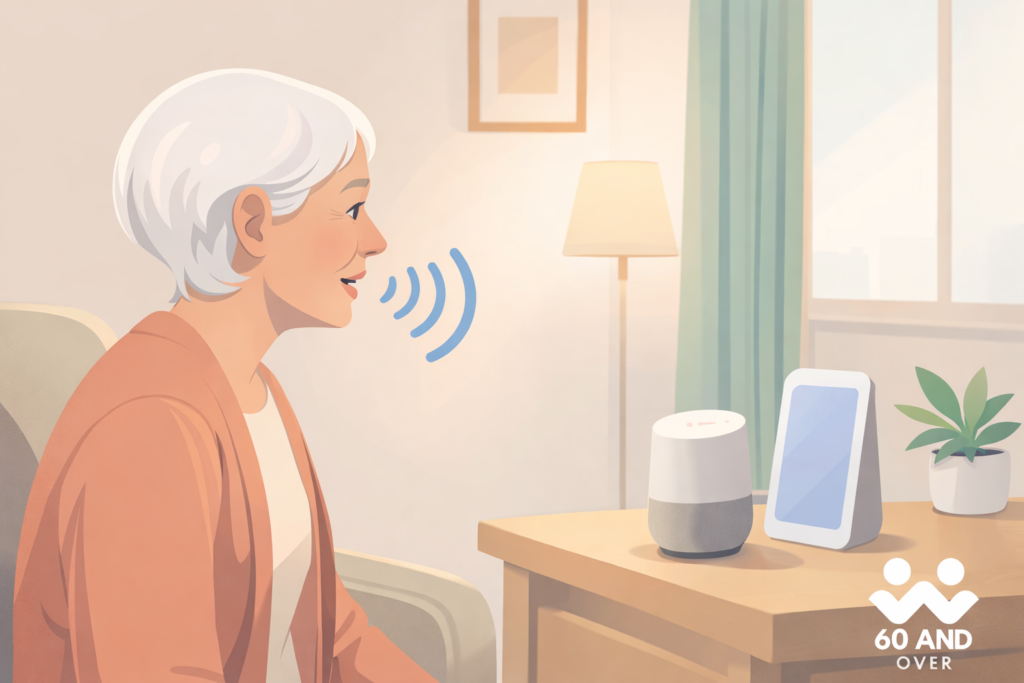
Technology can feel intimidating at first, especially when it changes quickly. But some tools are designed to make everyday life simpler rather than more complicated. Google Assistant is one of those tools. It responds to your voice, answers questions, sets reminders, and helps manage daily routines — all without needing to type, tap small screens, or remember complex steps.
For many older adults, Google’s hands-free assistant becomes a quiet, helpful presence at home. Used gently and at your own pace, it can support comfort, independence, and connection without taking over your routine.
What Google Assistant Is in Simple Terms
Google Assistant is a voice-activated helper built into many phones, tablets, smart speakers, and smart displays. You speak to it by saying “Hey Google,” followed by a request or question. It listens, responds out loud, and carries out simple tasks for you.
There’s no need to learn new technology skills. You don’t have to type commands or navigate menus. You simply talk, and Google Assistant responds in plain language.
Everyday Ways Google Assistant Can Be Helpful
Many older adults use Google Assistant for small, practical tasks that make daily life easier and more organized.
Setting Gentle Reminders
Google Assistant can remind you about medications, appointments, exercise, or daily routines. You can say something like, “Hey Google, remind me to take my medication at 9 a.m.” This can be especially helpful for maintaining routines without relying on written notes or alarms.
Making Calls Without Touching a Phone
You can ask Google’s voice-activated helper to call family members or trusted contacts using your voice. This is helpful if your hands are full, your phone is not nearby, or you prefer not to scroll through contact lists.
Getting Quick Answers
From weather updates to simple questions, Google home Assistant can provide answers instantly. Asking questions out loud can feel easier than opening apps or searching online, especially for everyday information.
Playing Music, Radio, or Audiobooks
Many people enjoy using G. A for background music, radio programs, or audiobooks. You can request your favorite genre or station without adjusting buttons or volume controls.
Controlling Simple Home Devices
When paired with compatible smart devices, Google Assistant can turn lights on or off, adjust thermostats, or control plugs using voice commands. This can be especially useful for those with limited mobility or joint discomfort.
Where You’ll Find Google Assistant
This simple voice technology for older adults is already available on many common devices, including Android smartphones and tablets, Google Nest speakers, smart displays, and some televisions. If you already use an Android device or have a Google account, you may already have access to it without realizing it.
Google’s voice assistance is already built into many Android phones and tablets, as well as smart speakers and displays. Many older adults discover they already have access to this feature without needing to buy anything new. If you’re interested in devices designed with larger screens and simpler controls, you may find it helpful to explore our guides to tablet computers for older adults or easy-to-use smartphones for adults over 60.
Getting Started Without Stress
Setting up Google Assistant is usually straightforward. Most devices guide you through the process step by step, using clear prompts. Once set up, you can begin with very simple commands, such as asking for the time or the weather.
Many older adults find it helpful to start with just one or two features and slowly add more as they become comfortable. There is no need to use everything at once.
Privacy and Comfort Considerations
Privacy is an understandable concern. Google Assistant only listens after hearing its wake phrase, such as “Hey Google.” You can review or delete voice activity at any time through your Google account settings, and you can control which features are enabled.
You remain in charge of how much or how little you use it.
How Google Assistant Fits Into a Safer, More Comfortable Home
Google Assistant works best as part of a supportive home environment. It can complement other easy technology tools that help with safety, reminders, and comfort. Many older adults pair voice assistance with simple home safety upgrades or comfort-focused devices to create a space that feels easier to manage and more reassuring.
Used thoughtfully, it becomes another option — not a replacement — for the routines and habits you already trust.
For those who prefer a dedicated device rather than using a phone or tablet, a few simple options are available that support hands-free voice assistance at home.

- Enhanced Audio Experience: Features a 3″ woofer and 0.7″ tweeter, delivering powerful…
- Smart Home Control: Use Google Assistant to control lights, TVs, and other compatible…
- Wireless Streaming: Stream music, radio, and more from popular services with built-in…
- Stereo Pairing & Room-to-Room Sound: Pair two Nest Audio speakers for true stereo sound…


- Enhanced Audio Experience: Features a 3″ woofer and 0.7″ tweeter, delivering powerful…
- Smart Home Control: Use Google Assistant to control lights, TVs, and other compatible…
- Wireless Streaming: Stream music, radio, and more from popular services with built-in…
- Stereo Pairing & Room-to-Room Sound: Pair two Nest Audio speakers for true stereo sound…

- Smart Lighting and Wide 160° View Security Camera – A motion-activated light and security…
- Telescoping Internal Rod and Manual Adjustable Pan &Tilt, Easy Bluetooth Setup – Extend…
- Clear 2K HD Resolution with WDR and Color Night Vision – Protect double the area in…
- Dimmable 800 Lumen LED Bulb – Customize the brightness on these long-lasting LED bulbs to…

A Gentle Final Thought
Technology should adapt to you, not the other way around. Google Assistant offers support without rushing, pressure, or complexity. Whether you use it for reminders, quick answers, or hands-free help around the house, it’s a tool you can use as much or as little as you choose. Over time, many older adults find it quietly helpful in ways that feel natural and reassuring.
F. A. Q’s About Google Assistant
Is Google Assistant difficult for older adults to use?
No. Google Assistant is designed to respond to natural speech. Many older adults begin using it by asking simple questions or setting reminders without needing technical experience.
Can Google Assistant help with reminders and daily routines?
Yes. Google Assistant can remind you about medications, appointments, exercise, and other daily activities using simple voice commands.
Do I need special equipment to use this smart voice assistant?
Not necessarily. Google Assistant is available on many Android phones, tablets, smart speakers, and smart displays. Some people already have access to it without realizing it.
Is Google Assistant safe to use at home?
Google Assistant includes privacy controls that allow you to review or delete voice activity and manage settings. It only listens after hearing its wake phrase.
Does Google Assistant require Wi-Fi?
Most features work best with a Wi-Fi connection. Some basic commands may work offline, but reminders and smart device control require internet access
What to read next?
If you’d like to continue learning at your own pace, our Smart Home & Easy Technology Hub offers additional guidance on simple tools designed to support comfort, safety, and everyday independence after 60. You may also find it helpful to read about Premium Home Upgrades for Older Adults or explore how Wireless TV Headphones for Seniors can make daily living more enjoyable without added complexity.